
Free Codabar Barcode Generator — Create, Preview & Download Instantly
Generate Codabar barcodes online for free — no signup, no software, no limits. Enter any numeric string with optional special characters and get a crisp, scannable barcode in PNG or SVG format within seconds. Codabar is the industry-standard barcode for blood banks, medical laboratories, libraries, and courier services. Real-time preview updates as you type. Download, bulk-generate, or copy your barcode instantly.

What Is Codabar?
Codabar (also known as NW-7, USD-4, Monarch, or Code 2 of 7) is a linear, self-checking barcode symbology developed in 1972 by Pitney Bowes Inc. It encodes digits 0–9 and six special characters (-, $, :, /, ., +), using one of four start/stop characters (A, B, C, D) that delimit the barcode and identify its type. Codabar is a discrete, variable-length symbology — each character is encoded independently using a pattern of two wide and two narrow bars and spaces across seven elements. Although newer symbologies have since surpassed it in density, Codabar remains in active use in healthcare, library management, and logistics because of its extreme fault tolerance, wide scanner compatibility, and decades-long installed base of legacy equipment.
- Numeric and Special Character EncodingCodabar encodes the ten decimal digits (0–9) and six special characters: hyphen (-), dollar sign ($), colon (:), forward slash (/), period (.), and plus sign (+). Four start/stop characters — A, B, C, and D — frame every Codabar symbol and are never present in the data payload itself. This character set is sufficient for encoding blood bank specimen IDs, library card numbers, courier waybills, and numeric product identifiers used in legacy inventory systems.
- Self-Checking Symbology — No Mandatory Check DigitCodabar is a self-checking symbology, meaning each character's bar-and-space pattern is inherently error-resistant. A single bar or space substitution error always produces an invalid pattern that most decoders reject outright. Because of this built-in integrity, no mandatory check digit is defined by the core standard. However, many healthcare and library applications append an optional Mod 16 or Mod 10 check character as an additional verification layer — this generator supports both checked and unchecked Codabar output.
- Four Start/Stop Character Pairs (A, B, C, D)Every Codabar barcode begins and ends with one of four designated start/stop characters: A, B, C, or D. The start and stop characters can differ within the same symbol (e.g., start A, stop B), and many industry applications assign specific pair combinations to indicate barcode type or routing instructions. Blood bank systems commonly use A–B, A–C, A–D, B–B, B–C, and B–D pairs to distinguish specimen categories without encoding additional data bytes.
- Legacy and Healthcare Industry StandardCodabar has been the dominant barcode in U.S. blood banking since the 1970s, mandated by AABB standards for blood bag labeling, donor registration, and specimen identification. It is also the standard barcode format used by .avifx on air waybills and by many public library systems for patron card and book spine labels. Its longevity means virtually all linear barcode scanners — including older CCD and laser models — can read Codabar reliably without firmware updates.
- Variable Length with No Fixed Digit CountUnlike EAN-13 or UPC-A, Codabar imposes no fixed data length. You can encode a 4-character waybill number or a 20-character specimen ID in the same format. This flexibility makes Codabar well-suited for legacy systems that were built around variable-length identifiers long before standardized formats like GS1 became widespread. There is no artificial length restriction in this generator.
Codabar specifications
A self-checking numeric barcode with start/stop letters, historically used by libraries and blood banks. The table below lists the exact Codabar specifications — character set, check digit, X-dimension, quiet zone and the governing ANSI/AIM BC3; no current ISO symbology standard standard — so you can size and print the symbol correctly the first time.
| Character set | Digits 0-9, $ - : / . + , plus start/stop characters A-D (or T N * E variants) |
|---|---|
| Data length | Variable; start and stop letters are not transmitted as data |
| Check digit | None required; optional Mod 16 and similar schemes exist for critical flows |
| Density | ≈5-8 characters per inch depending on ratio and X |
| X-dimension (module width) | 0.19-0.50 mm typical |
| Quiet zone | 10X on each side (6.4 mm minimum commonly recommended) |
| Magnification | Scales with X-dimension and ratio |
| Bar / space ratio | Wide:narrow 2:1 to 3:1 (2:1 or 3:1 common; 20:1 self-clocking variants excluded) |
| Standard | ANSI/AIM BC3; no current ISO symbology standard |
| Introduced | 1972 — Pitney Bowes (popularized by Monarch Marking Systems) |
Typical uses: US library circulation and book spine labels; Blood bank and laboratory specimen tracking (legacy); Air waybills and parcel manifests (legacy); Photo finishing envelope tracking.
How Codabar compares to similar barcode types
Choosing the wrong symbology is the most common cause of barcodes that scan in the warehouse but get rejected downstream. This table compares Codabar with the formats most often confused with it, on the three properties that decide compatibility: character set, check digit, and quiet zone.
| Symbology | Character set | Check digit | Quiet zone |
|---|---|---|---|
| Codabar(this page) | Digits 0-9, $ - : / . + , plus start/stop characters A-D (or T N * E variants) | None required; optional Mod 16 and similar schemes exist for critical flows | 10X on each side (6.4 mm minimum commonly recommended) |
| Code 39 | 43 characters: 0-9, A-Z, space, and - . $ / + % (full ASCII via Code 39 Extended) | Optional Mod 43 check character (mandatory in LOGMARS and some industry standards) | 10X on each side |
| MSI Plessey (Mod 10) | Digits 0-9 only | One Mod 10 (Luhn-style) check digit appended | 10X on each side |
| Pharmacode | A single integer from 3 to 131070 (no letters or symbols) | None — the entire sparse encoding acts as the verification mechanism | Per line setup; typically 10X or the space allotted on the component |
How to Create a Codabar Barcode — Step-by-Step
Creating a scannable, print-ready Codabar barcode with this free online generator takes under a minute. Follow these four steps:
Enter Your Barcode Data
Type or paste your numeric value into the input field. Codabar accepts digits 0–9 and the special characters -, $, :, /, ., and +. A valid start character (A, B, C, or D) must appear at the beginning of your input and a matching stop character at the end — for example, A1234567B. If your input does not include start/stop characters, the encoder appends them automatically using the default A–B pair.
Adjust Size and Appearance
Use the settings panel to set bar height, module width, and quiet zone. Toggle the human-readable text on or off depending on your label requirements. Change bar and background color if needed. The live preview reflects every adjustment instantly so you can fine-tune the barcode before downloading.
Preview and Validate
Confirm the barcode preview looks correct: check that the data displayed below the bars matches your intended payload, that the bar pattern is clean and evenly spaced, and that quiet zones on both sides are visually clear. For critical applications such as blood bank or laboratory labels, scan the on-screen preview with a mobile scanner app before printing to verify readability.
Download or Copy
Click the PNG download button for a raster image suitable for Word documents, label software, or email. Click SVG for a resolution-independent vector file ready for Illustrator, Inkscape, or direct embedding in HTML. For bulk jobs, switch to the bulk input panel, paste your list of values, and download a ZIP of all barcodes at once.
Who Should Use This Codabar Barcode Generator?
This free online Codabar generator is built for anyone who needs reliable, production-quality barcodes without investing in specialized software. Here is who benefits most.
Blood Bank and Laboratory Professionals
Generate AABB-compliant Codabar barcodes for blood bag labels, specimen tubes, donor registration forms, and compatibility records. Bulk-produce serialized specimen IDs from your LIS export and print onto tube labels in seconds without dedicated barcode software.
Library Staff and Catalogers
Create Codabar barcodes for patron cards and book spine labels compatible with your existing integrated library system and circulation scanners. Import a batch of card numbers from a spreadsheet and generate all barcodes at once — no manual entry required.
Shipping and Courier Operations
Generate Codabar tracking labels for legacy courier workflows and express waybills. Bulk-import shipment reference numbers and produce print-ready Codabar labels compatible with older sorting and scanning equipment at processing facilities.
Developers and System Integrators
Quickly prototype or test Codabar barcode integrations without setting up a local barcode library. Generate reference barcodes to validate scanner configuration, start/stop character handling, or label layout before deploying a production encoding pipeline.
Codabar Barcode Generator Features
Everything you need to create production-quality Codabar barcodes — from real-time preview and start/stop character selection to bulk generation, size controls, and lossless SVG output.
Correct Start/Stop Character Handling
This generator automatically frames your Codabar barcode with valid start and stop characters per the symbology specification. Enter your numeric payload and the encoder adds the required delimiters — ensuring every barcode produced is structurally valid and decodable by any standards-compliant Codabar scanner, including those used in blood bank, library, and courier applications.
Real-Time Preview as You Type
The barcode preview updates live with every keystroke. See the exact barcode that will be generated — including bar pattern, human-readable text, and overall proportions — before downloading. Invalid characters for the Codabar character set are caught immediately, so you can correct input before it reaches a printer or label system.
PNG and SVG Download
Download your Codabar barcode as a high-resolution PNG for documents, labels, and email, or as a lossless SVG for print-ready workflows, label templates, and vector graphics editors. SVG barcodes scale to any size without pixelation, making them ideal for large-format printing, screen display, and embedding in web pages or design files.
Adjustable Width, Height, and Quiet Zone
Control every visual parameter of your Codabar barcode: bar height, module width (X-dimension), font size for the human-readable text, and quiet zone width on each side. Quiet zones — the mandatory blank spaces left and right of the barcode — are required for scanner reliability and are included automatically at the correct minimum width per the Codabar specification.
Human-Readable Text — Show or Hide
Toggle the human-readable interpretation (HRI) text below the barcode on or off. When shown, the encoded value is printed beneath the bars in a clear, standard font — required on many blood bank, library, and courier labels so operators can verify the value visually without a scanner. Hide the HRI for space-constrained labels or when the value is displayed separately by your application.
Bulk Barcode Generation
Generate hundreds of unique Codabar barcodes in one operation using the bulk input panel. Enter one value per line and download all barcodes as a ZIP archive of PNG or SVG files. Ideal for producing serialized specimen labels, library card barcodes, or courier waybill stickers from an exported list without manual one-by-one generation.
No Signup, No Watermarks, No Limits
This Codabar generator is completely free with no usage caps, no account required, and no watermarks on downloaded files. All barcode encoding happens in your browser — your input data is never transmitted to any server. Generate one barcode or ten thousand; the tool imposes no limits and retains no data.
Color Customization
Change the foreground bar color and background color of your Codabar barcode to match brand guidelines or label stock. Custom colors are fully supported for SVG and PNG output. Note that high contrast between bars and background is required for reliable scanning — dark bars on a light background are strongly recommended for any operational barcode.
Codabar vs Code 128, Code 39, and ITF
Use Codabar when a blood bank, laboratory, library, or courier system already expects NW-7/Codabar. Choose Code 128 for denser modern SKU labels, Code 39 for uppercase legacy part numbers, and ITF or ITF-14 for numeric carton and logistics labels.
Codabar Use Cases & Real-World Examples
Codabar has been in active production use for over fifty years. Here are the most common real-world applications where it remains the preferred or required barcode format.
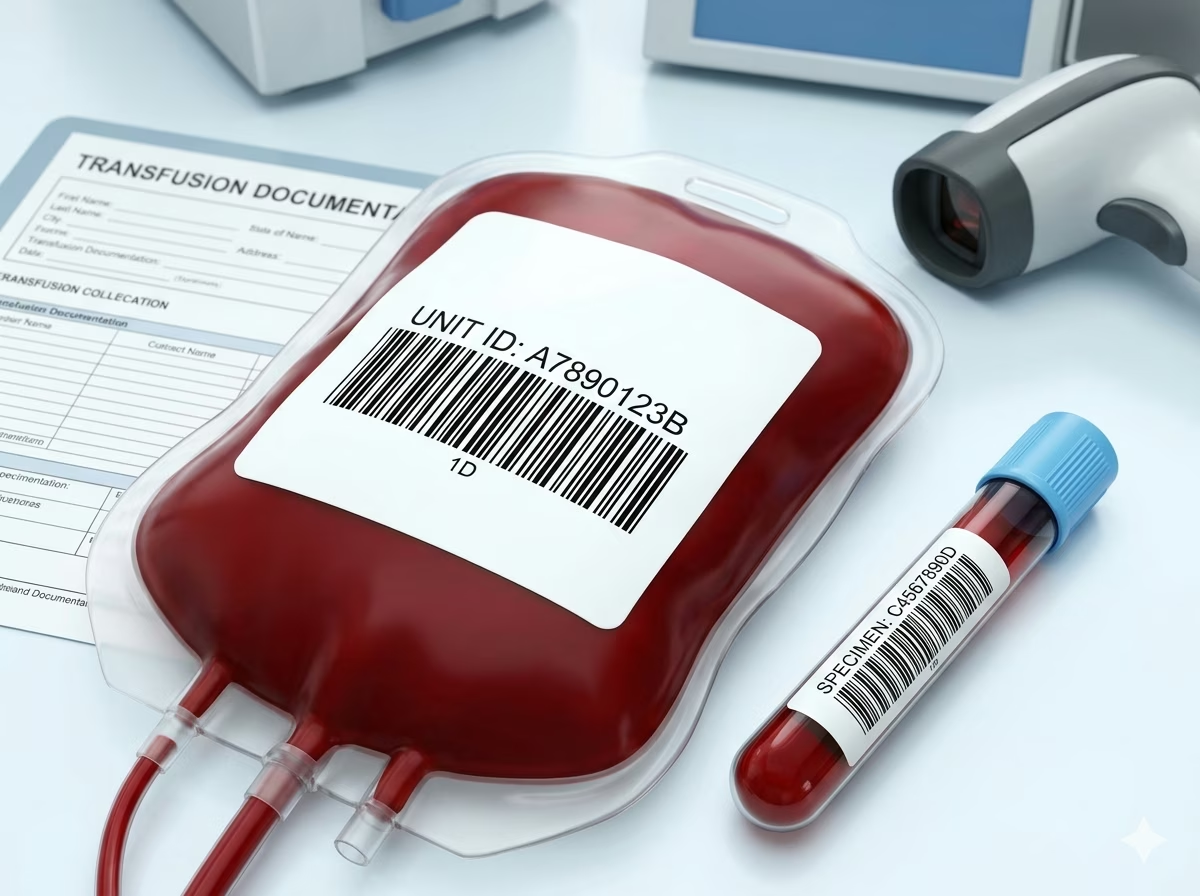
Blood Bank and Transfusion Medicine
Codabar is the AABB-mandated barcode for U.S. blood banking. Blood bags, donor registration cards, and compatibility testing records all use Codabar to encode unit IDs, donor numbers, and ABO/Rh classification codes. The format's self-checking nature and its tolerance for older wand and CCD scanners make it indispensable in transfusion medicine environments where label integrity is a patient safety requirement.
Medical Laboratory Specimen Labels
Clinical laboratories print Codabar barcodes on specimen collection tubes, slide labels, and sample request forms. Codabar's variable length accommodates accession numbers of any size, while its broad scanner compatibility ensures older laboratory information systems (LIS) can read labels without instrument upgrades. Many hospital information systems still generate Codabar labels for internal specimen routing.
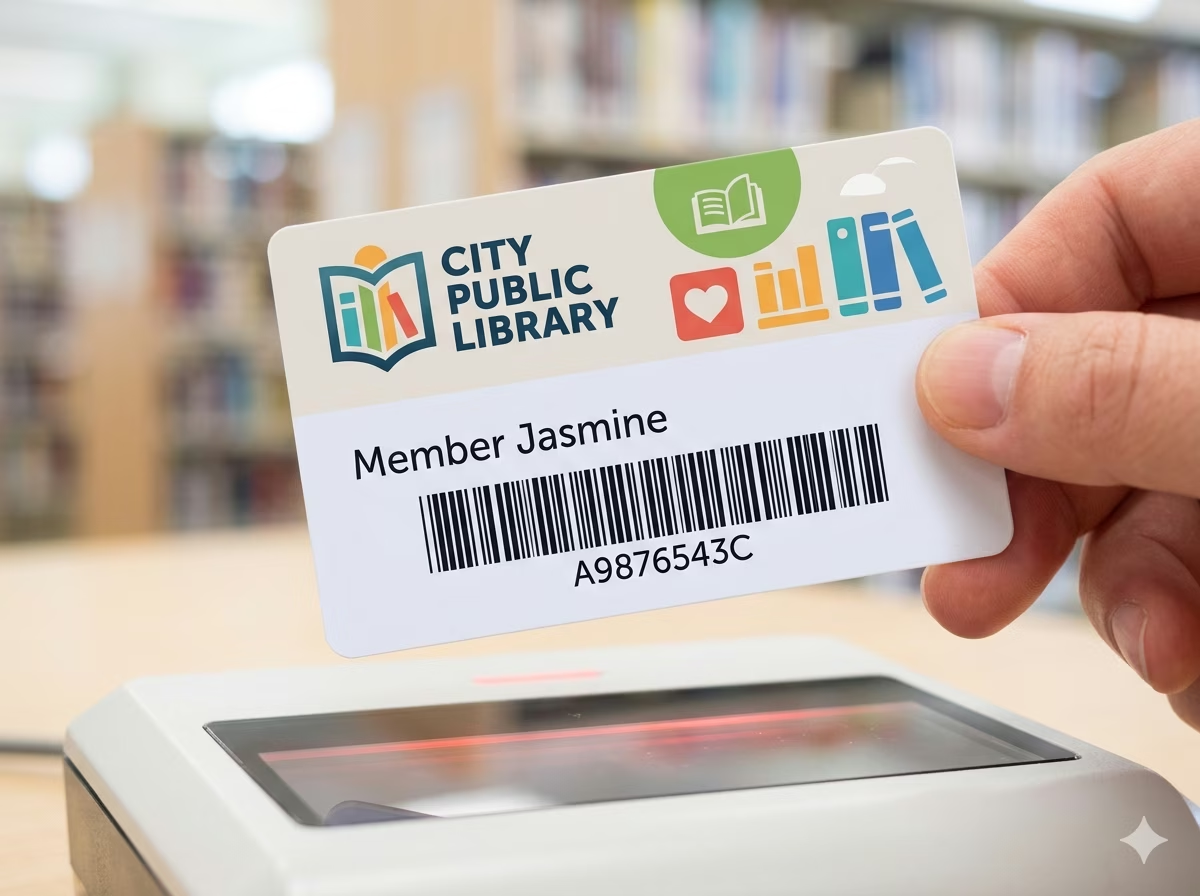
Library Patron Cards and Book Spine Labels
Public and academic libraries have used Codabar to encode patron card numbers and book call numbers since the 1970s. Its simple character set encodes numeric library catalog identifiers and Dewey Decimal codes reliably. Many integrated library systems (ILS) still issue Codabar patron cards and generate Codabar spine labels compatible with existing barcode scanners at circulation desks.
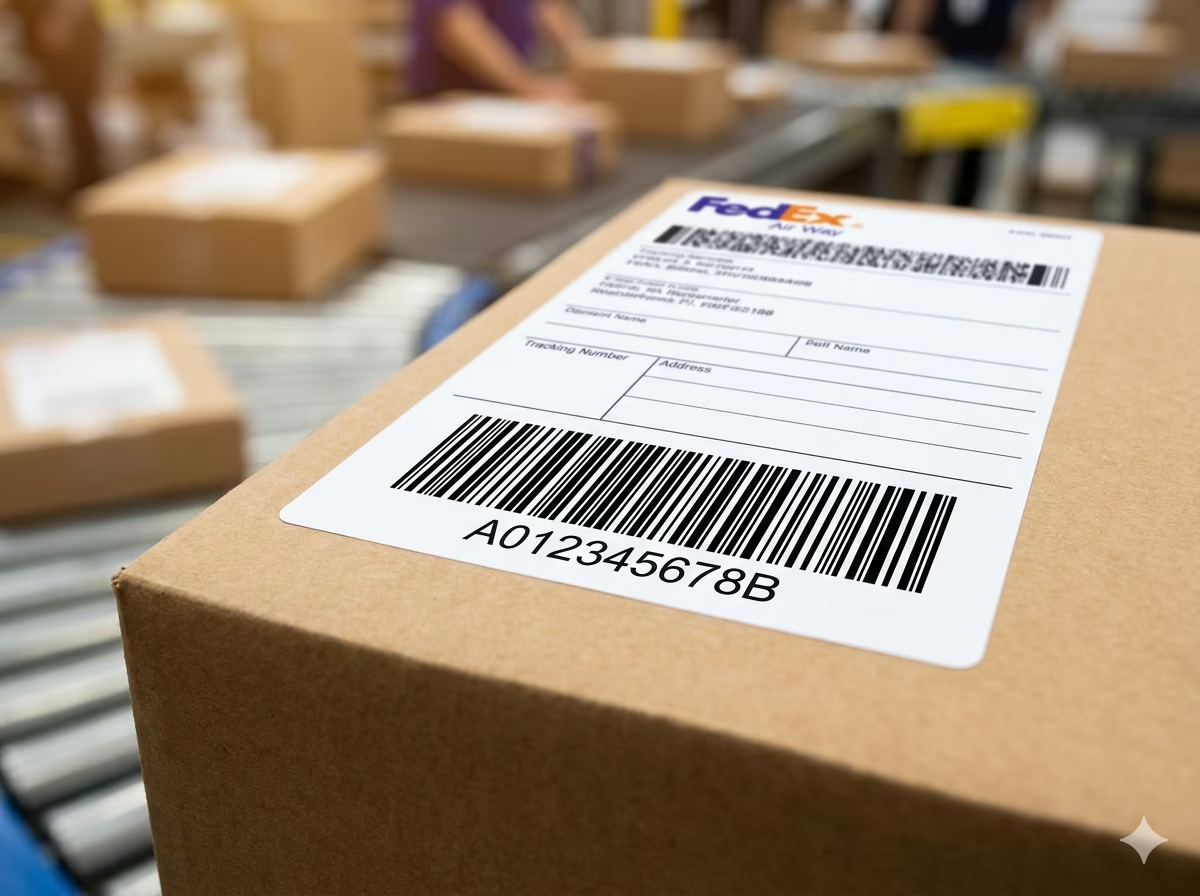
FedEx Air Waybills and Express Labels
FedEx has used Codabar (in the NW-7 variant) on its air waybill labels for decades. The barcode encodes the 10-digit FedEx tracking number and routing information that sorting facilities scan at high speed. Although FedEx has introduced newer barcode formats for some services, legacy Codabar labels remain in use across many shipper accounts, making Codabar readers standard equipment at express courier processing centers.
Numeric Membership and ID Cards
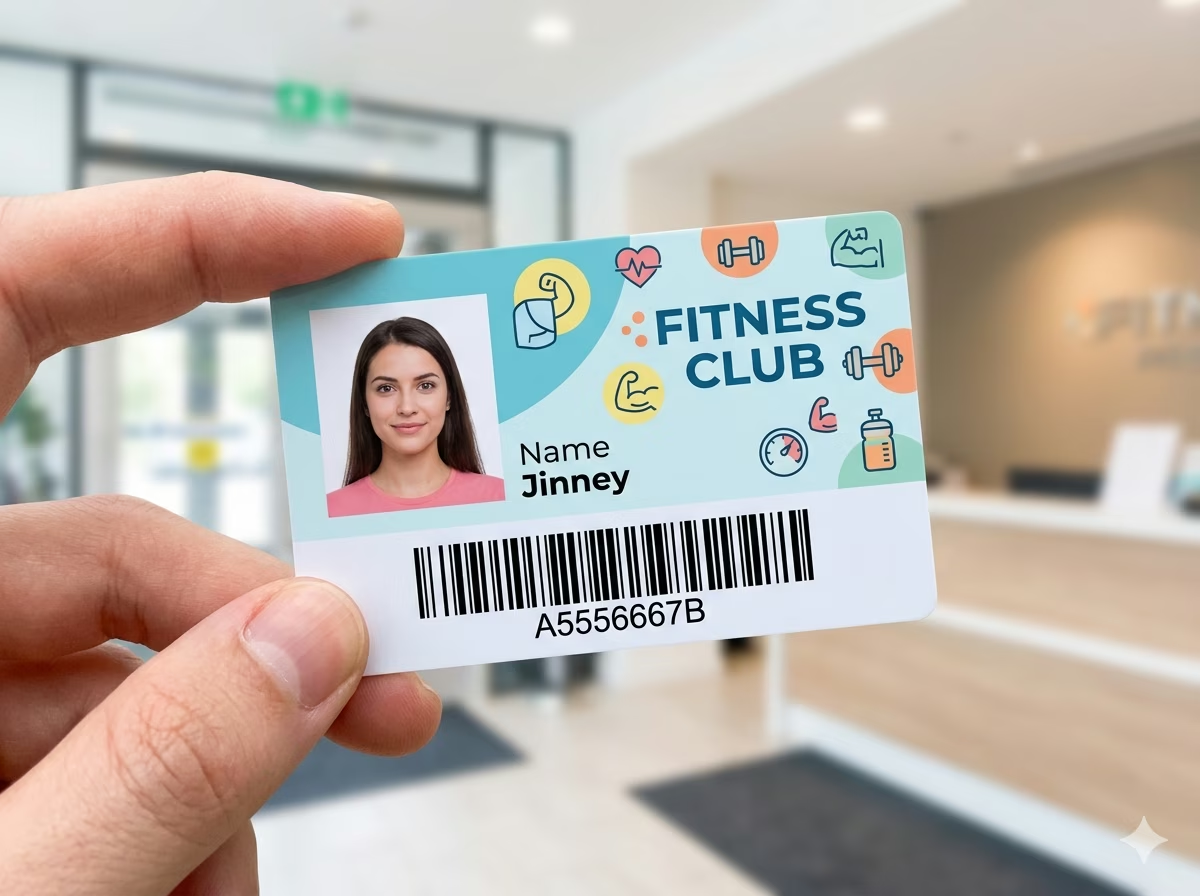
Codabar is used for membership cards, loyalty cards, and access identification in sectors that adopted barcode technology in the 1980s and 1990s — including video rental chains, photo labs, and fitness clubs. Because these programs were built around numeric member IDs and Codabar-compatible scanners, many continue to issue Codabar cards rather than migrate to newer formats that would require hardware replacement.
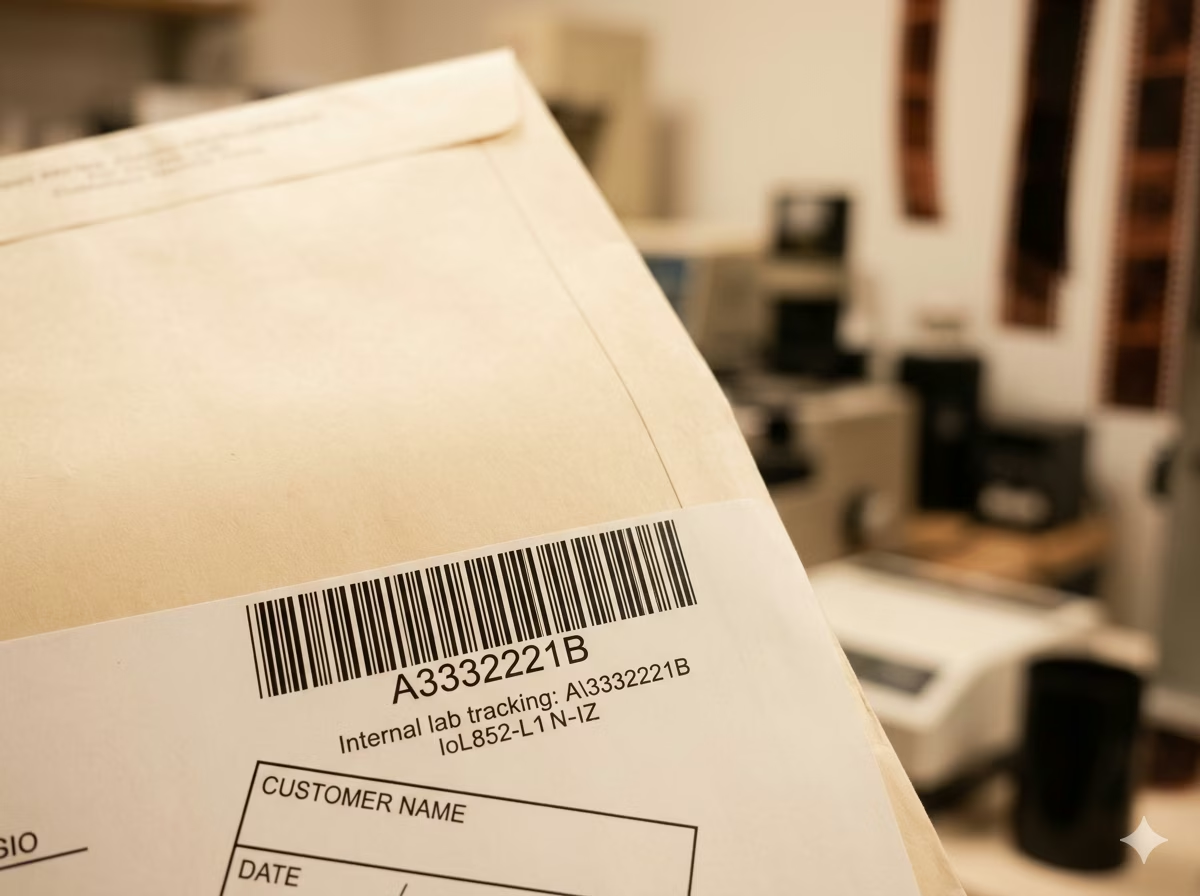
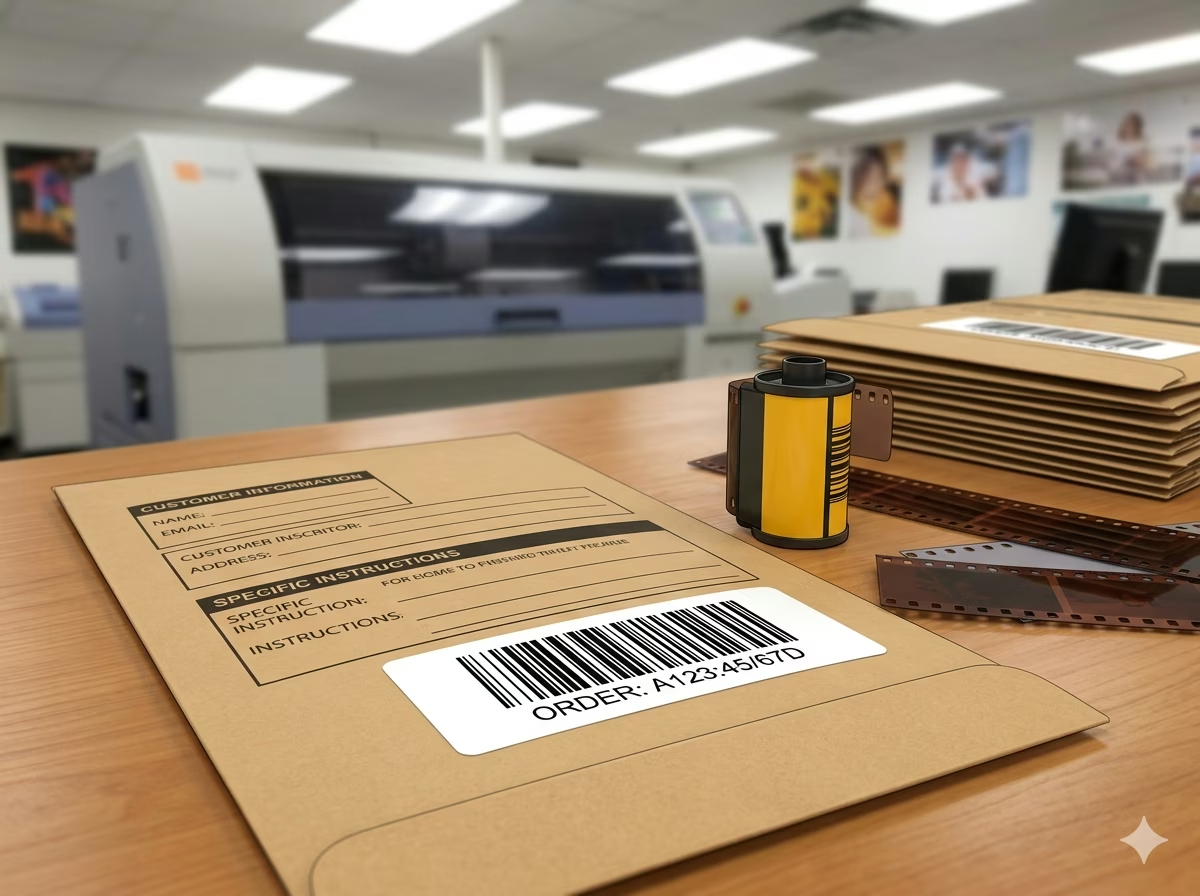
Photo Development and Film Identification
Kodak, Fuji, and major photo labs historically used Codabar on film processing envelopes, negative sleeves, and print order forms to encode order numbers and processing instructions. The format's ability to encode numeric identifiers with special separator characters (: and /) matched early lab management software. Photo processing operations that retain film archive systems may still scan and reference original Codabar-labeled envelopes.
Codabar Barcode — Frequently Asked Questions
Technical answers to the most common questions about Codabar encoding rules, character support, start/stop characters, check digits, and practical usage.
What characters can Codabar encode?
Codabar encodes the ten decimal digits (0–9) and six special characters: hyphen (-), dollar sign ($), colon (:), forward slash (/), period (.), and plus sign (+). Four start/stop characters — A, B, C, and D — frame every symbol and must appear at the beginning and end of the barcode. Start/stop characters are not part of the encoded data payload and are typically not printed in the human-readable text beneath the bars. No lowercase letters or other symbols can be represented in standard Codabar.
What are the start and stop characters in Codabar?
Codabar uses four designated characters — A, B, C, and D — as start and stop delimiters. Every valid Codabar symbol must begin with one of these four characters and end with one of these four characters. The start and stop characters can be the same or different (e.g., A–B, B–C, A–D). Many industry applications use specific start/stop pairs to communicate barcode type or routing category without adding extra payload bytes. Blood bank systems commonly use six distinct pairs to classify specimen types.
Does Codabar have a check digit?
No mandatory check digit is defined in the core Codabar specification. The symbology is self-checking — each character's unique bar-and-space pattern means a single element error produces an undecodable character that scanners reject. However, many healthcare and library applications voluntarily append an optional check character computed using Mod 16 or Mod 10 algorithms for an additional verification layer. If your target system requires a check digit, verify which algorithm it expects before generating your labels.
What is the difference between Codabar, NW-7, and USD-4?
Codabar, NW-7, USD-4, Monarch, and Code 2 of 7 are all names for the same barcode symbology. The different names arose because multiple companies and standards bodies independently named the format during its early adoption in the 1970s. NW-7 is the name commonly used in Japan; USD-4 is the ANSI designation; Monarch refers to the Pitney Bowes scanner product line. All names describe the same encoding rules and produce identical, interoperable barcodes.
Is there a minimum or maximum length for Codabar?
Codabar has no standardized minimum or maximum data length beyond the requirement for at least one data character between the start and stop delimiters. Practical limits are determined by the physical dimensions of your label — longer strings produce wider barcodes. Most real-world applications encode between 4 and 20 characters. There is no artificial software length limit in this generator. Very short codes (1–2 characters) produce narrow barcodes that some scanners may struggle with at small X-dimensions.
When should I use Codabar instead of Code 128 or Code 39?
Use Codabar when you need compatibility with legacy systems, scanners, or industry mandates that specifically require Codabar — most notably AABB blood banking, library circulation systems, and FedEx waybill workflows. If you are designing a new barcode application from scratch with no legacy constraints, Code 128 is a better choice: it encodes the full ASCII character set in a more compact symbol with a mandatory check digit and broader modern software support. Code 39 is another alternative for alphanumeric data but is less dense than Code 128.
What is the quiet zone requirement for Codabar?
The Codabar specification requires a minimum quiet zone of at least 10 times the X-dimension (module width) on both the left and right sides of the barcode — or a minimum of 2.54mm (0.1 inch), whichever is greater. The quiet zone is the blank white space flanking the symbol that tells the scanner where the barcode starts and ends. This generator automatically includes correct quiet zones at the default and custom widths. Do not crop or print over the quiet zones — doing so will cause scan failures.
Is my data safe when using this generator?
Yes. All Codabar encoding is performed entirely in your browser using client-side JavaScript. Your input data — including any specimen IDs, patient numbers, member identifiers, or tracking numbers — is never transmitted to any server and never stored anywhere. Close the browser tab and all data is gone. This tool is safe to use with sensitive healthcare, library, or logistics identifiers.
When should I use Codabar instead of Code 128?
Use Codabar when your scanner software, blood bank system, library platform, or courier workflow explicitly requires Codabar/NW-7. Use Code 128 for newer general-purpose labels because it supports more characters and produces denser barcodes.
Is Codabar still used today?
Yes. Codabar is still used in blood banks, medical laboratories, libraries, photo labs, and some courier workflows because older scanners and host systems support it reliably. New projects often choose Code 128 unless they need compatibility with an existing Codabar process.
Which related barcode formats should I compare with Codabar?
Compare Codabar with Code 128 for modern inventory labels, Code 39 for uppercase alphanumeric legacy systems, ITF for numeric pairs, and ITF-14 for shipping cartons. If you need QR-style links or large text payloads, use QR Code instead.
Specification reference
Read the full Codabar specification — character set, check digit, quiet zone, density, and the governing ANSI/AIM BC3; no current ISO symbology standard standard — in our barcode glossary.
Codabar specificationRelated barcode types
Compare Codabar with similar symbologies, or open their full specifications.
- Code 39
The classic self-checking alphanumeric barcode: 43 characters, simple structure, still everywhere in industry.
- MSI Plessey (Mod 10)
A digits-only inventory barcode with a single Mod 10 check digit, descended from the Plessey code.
- Pharmacode
A proprietary integer-only barcode from Laetus used to verify packaging and inserts in pharmaceutical production.
Related barcode tools
Need more than one barcode, a printed label sheet, or a way to check the result? These tools use the same generator, so the output matches.
- Bulk Barcode GeneratorImport Excel or CSV, paste a list, or create a sequence and get a barcode for every row. Export as PNG, SVG, JPG, or a ZIP.
- Barcode Label PrintPrint a full sheet of labels that lines up with Avery label stock, at the correct physical size.
- Barcode ScannerVerify a printed label before you run the whole batch — decode it from an image or your camera.
- Barcode MakerFull control over size, colors, font, quiet zone, and layout for a single barcode.
Generate Your Codabar Barcode Now — Free, Instant, No Account Required
This free Codabar barcode generator is ready to use immediately. Type your data, adjust the size and appearance, and download a print-ready PNG or SVG barcode in seconds. No signup, no watermarks, no usage limits. All encoding happens locally in your browser — your data stays private. Generate one barcode or thousands; the tool is completely free regardless of volume.