
Free GS1-128 Barcode Generator — Application Identifier Barcodes for Supply Chain
Generate GS1-128 barcodes online for free. GS1-128 (formerly UCC/EAN-128) encodes GS1 Application Identifiers — structured data fields for GTINs, lot numbers, expiry dates, serial numbers, SSCCs, and more — in a single compliant Code 128 barcode. Essential for retail supply chain, pharmaceutical traceability, and logistics carton labeling. Download as PNG or SVG instantly. No signup, no watermarks, no limits.

What Is GS1-128?
GS1-128 is a specialization of the Code 128 symbology developed and maintained by GS1 — the global standards body for supply chain barcodes. Unlike standard Code 128, GS1-128 uses the FNC1 character (Function Code 1) immediately after the Start Code to signal to scanners and middleware that the barcode follows GS1 Application Identifier (AI) syntax. Application Identifiers are two- to four-digit numeric prefixes (printed in parentheses in the human-readable text) that identify what type of data follows: GTIN (01), batch/lot number (10), production date (11), expiry date (17), serial number (21), SSCC (00), and over 100 other standard fields. GS1-128 is mandatory for retail logistics labels, mandatory for pharmaceutical Falsified Medicines Directive serialization in the EU, and required by major retailers including Walmart, Target, and Amazon for inbound shipment labeling.
- GS1 Application Identifier SyntaxGS1-128 barcodes encode one or more Application Identifier (AI) + data field pairs within a single barcode. Each AI is a numeric prefix that identifies the semantic meaning of the data that follows. Common AIs include: (01) GTIN-14, (10) Batch/Lot Number, (11) Production Date (YYMMDD), (17) Expiry Date (YYMMDD), (21) Serial Number, (00) SSCC, (310x) Net Weight in kg, (420) Ship-To ZIP Code. Multiple AI+value pairs can be concatenated in one GS1-128 barcode, separated by FNC1 delimiters for variable-length fields.
- FNC1 — The GS1 System IdentifierThe defining characteristic of GS1-128 is the FNC1 character inserted immediately after the Code 128 Start Code. This single function character signals to every GS1-compliant scanner and middleware system that the barcode follows AI syntax rather than plain alphanumeric encoding. Without the FNC1 prefix, a barcode containing AI-formatted data is just a standard Code 128 barcode — it will decode as a raw string and AI parsing will not occur automatically.
- Supply Chain, Pharmaceutical, and Retail ComplianceGS1-128 is the required barcode format for logistics carton labels (GS1 Logistics Label standard), pharmaceutical serialization under the US DSCSA and EU FMD regulations, and retailer compliance labeling programs from Walmart, Target, Costco, Tesco, Carrefour, and Amazon Vendor Central. If a retailer's routing guide or vendor compliance document specifies 'GS1-128' or 'UCC-128', this is the exact format required.
- Human-Readable AI Notation with ParenthesesIn a GS1-128 barcode, Application Identifiers are displayed in the human-readable text below the bars enclosed in parentheses — for example (01)09521234543213(17)261231(10)ABC123. The parentheses are part of the human-readable display only; they are not encoded in the barcode itself. This notation allows operators to read the semantic meaning of each field directly from the label without a scanner.
- Supports Fixed and Variable-Length Data FieldsGS1 Application Identifiers fall into two categories: fixed-length fields (such as AI 01 GTIN-14, which is always 14 digits) and variable-length fields (such as AI 10 Lot Number or AI 21 Serial Number, which can vary in length). Variable-length fields in a concatenated GS1-128 barcode are terminated with a FNC1 character to separate them from the next AI. Fixed-length fields do not require a separator. This generator handles separator insertion automatically.
GS1-128 specifications
Code 128 carrying GS1 Application Identifier element strings — the standard barcode of global logistics. The table below lists the exact GS1-128 specifications — character set, check digit, X-dimension, quiet zone and the governing GS1 General Specifications; symbology basis ISO/IEC 15417 standard — so you can size and print the symbol correctly the first time.
| Character set | Full ASCII via Code 128; AI element strings are largely numeric with defined formats (e.g. YYMMDD dates) |
|---|---|
| Data length | Variable; each AI has its own fixed or predefined-length rule, and symbol size is bounded by label space |
| Check digit | Mandatory Mod 103 check character (Code 128) plus AI-embedded check digits such as the GTIN Mod 10 |
| Density | Same as Code 128 — ≈24 numeric characters per inch in code set C |
| X-dimension (module width) | 0.25-0.50 mm; 0.33-0.50 mm is typical on logistics labels |
| Quiet zone | 10X on each side |
| Magnification | GS1 logistics label practice: 100% nominal X = 0.33 mm with 80-200% magnification allowed depending on printing process |
| Bar / space ratio | Variable-width bars and spaces |
| Standard | GS1 General Specifications; symbology basis ISO/IEC 15417 |
| Introduced | 1989 — GS1 (UCC/EAN joint standard, built on Code 128) |
Typical uses: SSCC (AI 00) pallet and carton labels in global supply chains; Batch (10), expiry (17), and serial (21) traceability in food and pharma; Retail logistics, cross-docking, and EDI-linked shipments.
How GS1-128 compares to similar barcode types
Choosing the wrong symbology is the most common cause of barcodes that scan in the warehouse but get rejected downstream. This table compares GS1-128 with the formats most often confused with it, on the three properties that decide compatibility: character set, check digit, and quiet zone.
| Symbology | Character set | Check digit | Quiet zone |
|---|---|---|---|
| GS1-128(this page) | Full ASCII via Code 128; AI element strings are largely numeric with defined formats (e.g. YYMMDD dates) | Mandatory Mod 103 check character (Code 128) plus AI-embedded check digits such as the GTIN Mod 10 | 10X on each side |
| Code 128 | All 128 ASCII characters: 0-9, A-Z, a-z, punctuation, and control characters (code set dependent) | Mandatory Mod 103 check character, calculated automatically by the encoder | 10X on each side (minimum 2.5 mm recommended for general scanning) |
| Code 128C | Digit pairs 00-99 only (numeric data) | Mandatory Mod 103 check character, appended automatically | 10X on each side |
| GS1-14 (GTIN-14) | Digits 0-9 only | Mandatory Mod 10 check digit over the full 14 digits | 10X on each side |
| ITF-14 | Digits 0-9 only | Mandatory Mod 10 check digit (part of the GTIN-14) | 10X on each side |
| GS1 DataBar Expanded | GS1 AI element strings — numeric AIs with some alphanumeric fields (max 41 alpha / 74 numeric chars) | GTIN Mod 10 check digit embedded in the AI (01) element; no separate symbol check digit | 1X recommended |
How to Create a GS1-128 Barcode — Step-by-Step
Creating a compliant GS1-128 Application Identifier barcode takes under a minute. Follow these steps:
Identify Your Application Identifiers
Determine which GS1 Application Identifiers are required by your trading partner, retailer routing guide, or regulatory specification. Common combinations: GTIN + Expiry Date + Lot Number for pharmaceutical labels [(01)GTIN(17)YYMMDD(10)LOT]; SSCC for logistics carton labels [(00)SSCC18]; GTIN + Serial Number for product serialization [(01)GTIN(21)SERIAL].
Enter AI Data in Standard Format
Type or paste your AI data string into the input field using GS1 standard notation — Application Identifier digits in parentheses followed immediately by the data value, with no spaces between fields: (01)09521234543213(17)261231(10)ABC123. The generator parses the AI prefixes and inserts FNC1 delimiters automatically.
Adjust Size and Verify HRI Text
Set bar height and module width to match your label stock dimensions and GS1 specification requirements. Verify that the human-readable text below the barcode shows Application Identifiers correctly in parentheses notation. The preview updates in real time.
Download and Validate
Download the GS1-128 barcode as PNG or SVG. Before printing a full production run, scan the downloaded barcode using a GS1-capable barcode verification app or scanner to confirm that all AI fields parse correctly and data values decode as expected.
GS1-128 Barcode Generator Features
Generate fully compliant GS1-128 Application Identifier barcodes with automatic FNC1 insertion, AI validation, and standard-compliant output.
Application Identifier Input with AI Validation
Enter GS1 AI data in standard format — for example (01)09521234543213(17)261231 — and the generator parses each AI prefix, validates the data length and character set against the GS1 General Specifications, and encodes the complete sequence with correct FNC1 delimiters. Invalid AI prefixes or data field lengths are flagged before encoding.
Automatic FNC1 Insertion
The generator automatically inserts the FNC1 character after the Start Code and between variable-length AI fields as required by the GS1 specification. You do not need to manually insert function codes. The output barcode is a fully compliant GS1-128 symbol that GS1-capable scanners and EDI systems will parse correctly.
Human-Readable AI Text Below Barcode
The human-readable text below the GS1-128 barcode displays Application Identifiers in the standard GS1 parentheses notation — (01)09521234543213(17)261231(10)ABC123 — exactly as specified in the GS1 General Specifications for logistics label printing. This ensures label operators and auditors can read and verify the AI data directly from the printed label.
PNG and SVG Download
Download your GS1-128 barcode as a lossless SVG for integration into label design software, ERP templates, and print workflows, or as a high-resolution PNG for email, documentation, and quick printing. SVG output maintains crisp bar edges at any print scale from small carton labels to full A4 logistics documents.
Adjustable Module Width and Bar Height
Set the X-dimension (module width) and bar height to meet GS1 specification minimums for your label size and scanner environment. The GS1 General Specifications define minimum X-dimension and minimum symbol height requirements for logistics labels. This generator allows you to configure dimensions to match the GS1 logistics label specification for your application.
Bulk GS1-128 Generation
Generate a batch of GS1-128 barcodes from a list of AI strings in one operation. Enter one AI data string per line and download all barcodes as a ZIP of PNG or SVG files. Useful for pre-printing serialized SSCC labels, pre-generating expiry-date variants, or producing a full production run of serialized pharmaceutical carton labels.
GS1-128 Barcode Use Cases & Real-World Examples
GS1-128 is mandated across multiple industries for supply chain traceability and compliance. Here are the most important applications.
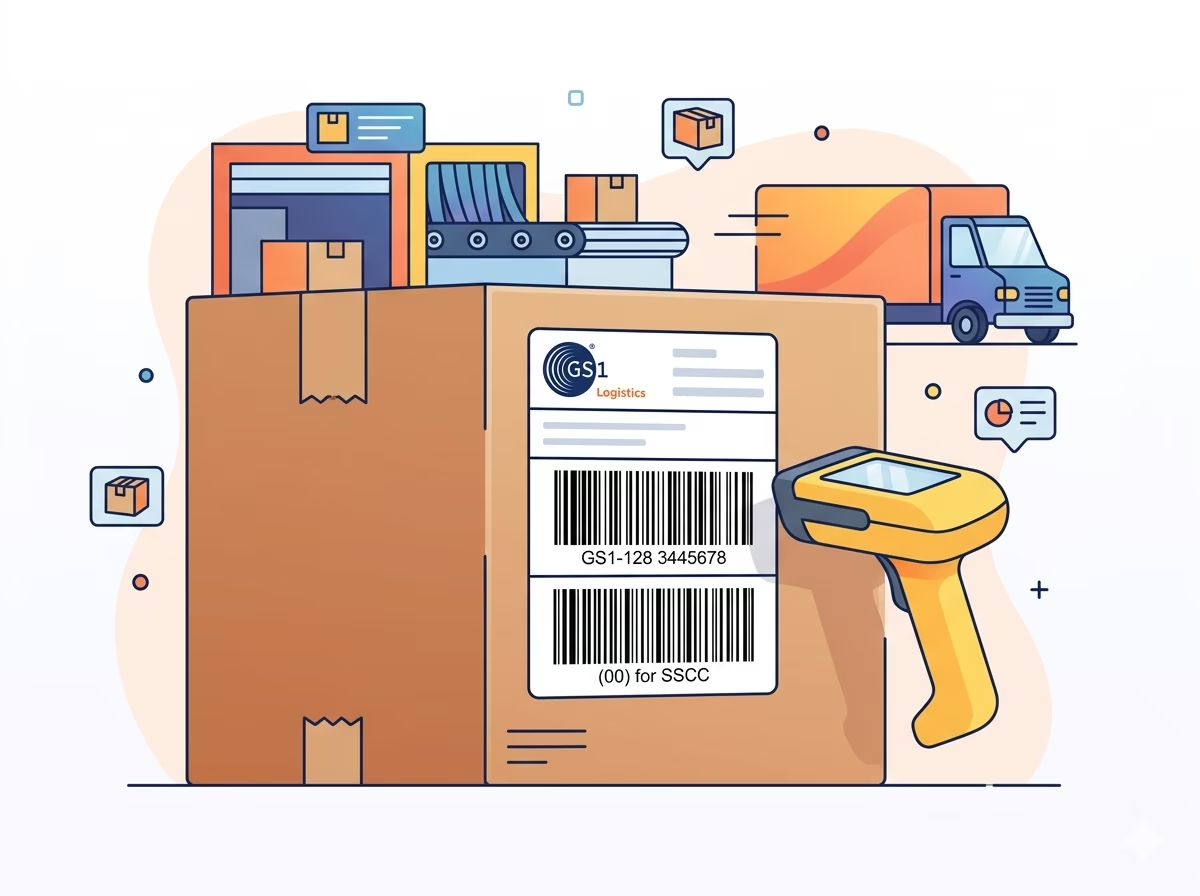
Retail Logistics Carton Labels (SSCC)
Generate GS1-128 shipping carton labels encoding the Serial Shipping Container Code [(00) SSCC-18] for pallet and carton tracking through retail distribution centers. SSCC labels are required by Walmart, Target, Home Depot, Tesco, and most major global retailers for inbound shipments — GS1-128 is the mandated barcode format.
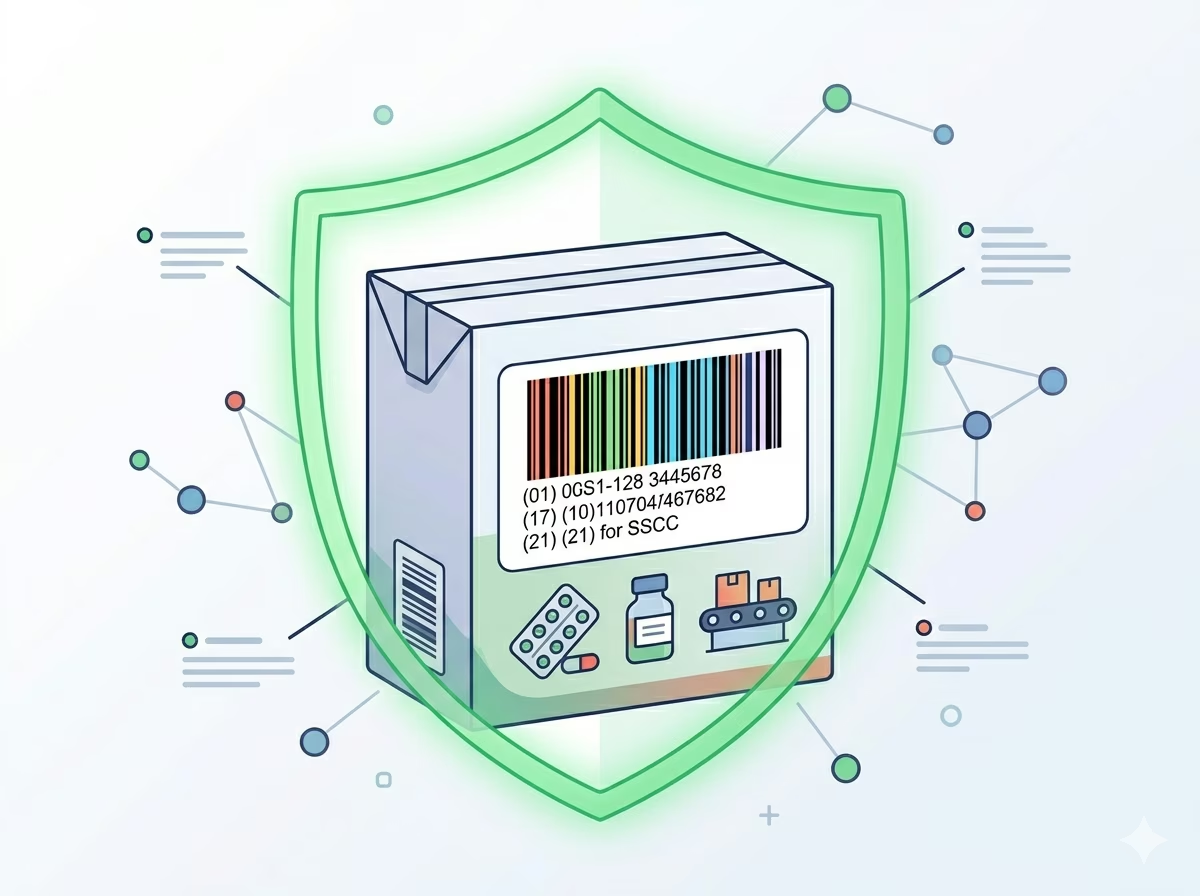
Pharmaceutical Serialization and FMD Compliance
Produce GS1-128 barcodes encoding GTIN (AI 01), Serial Number (AI 21), Lot Number (AI 10), and Expiry Date (AI 17) for EU Falsified Medicines Directive and US DSCSA drug supply chain serialization. These four AIs in a single GS1-128 barcode form the standard pharmaceutical carton label format required for verification system uploads.
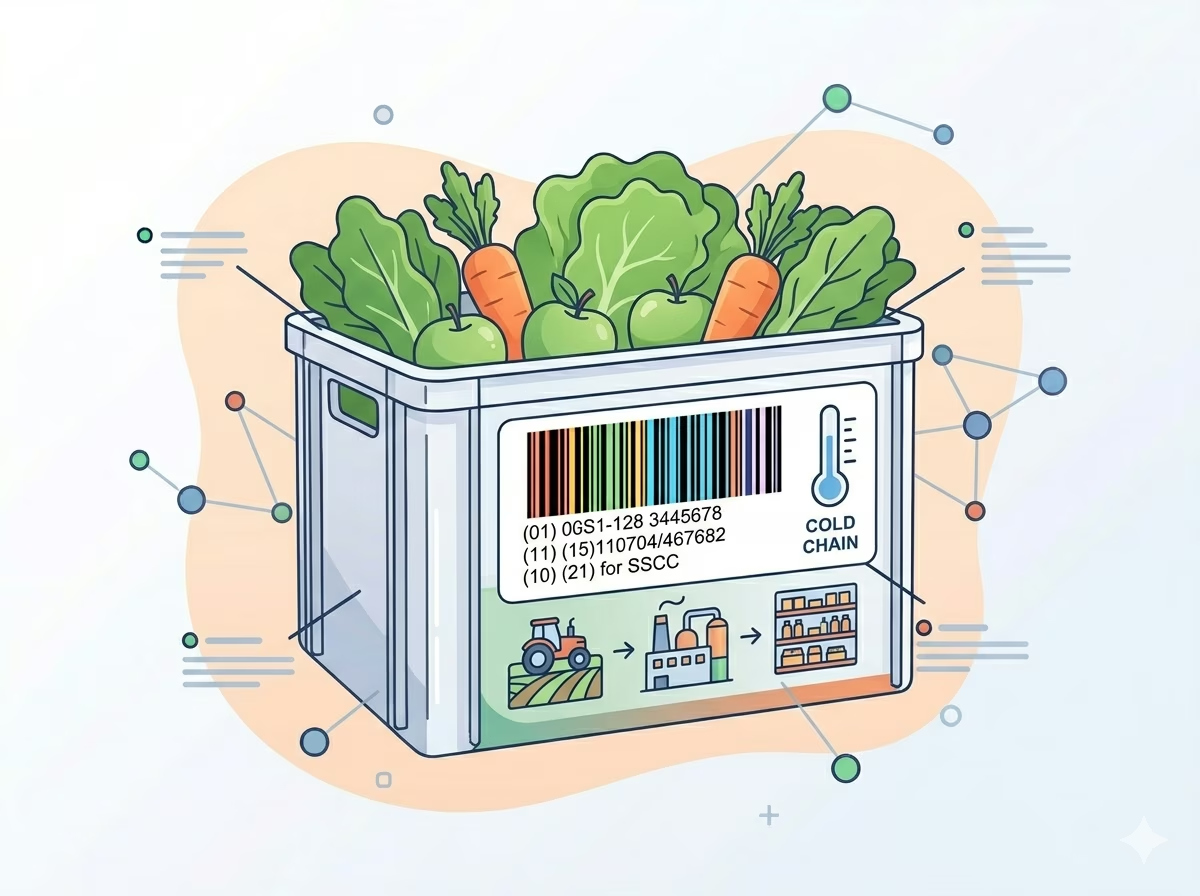
Food Safety and Lot Traceability Labels
Encode GTIN, production date (AI 11), best-before date (AI 15), and lot number (AI 10) in a single GS1-128 barcode for food product case labeling. GS1-128 enables automated lot traceability scanning at every point in the cold chain — from manufacturer to distributor to retailer — supporting rapid recall identification and food safety compliance.
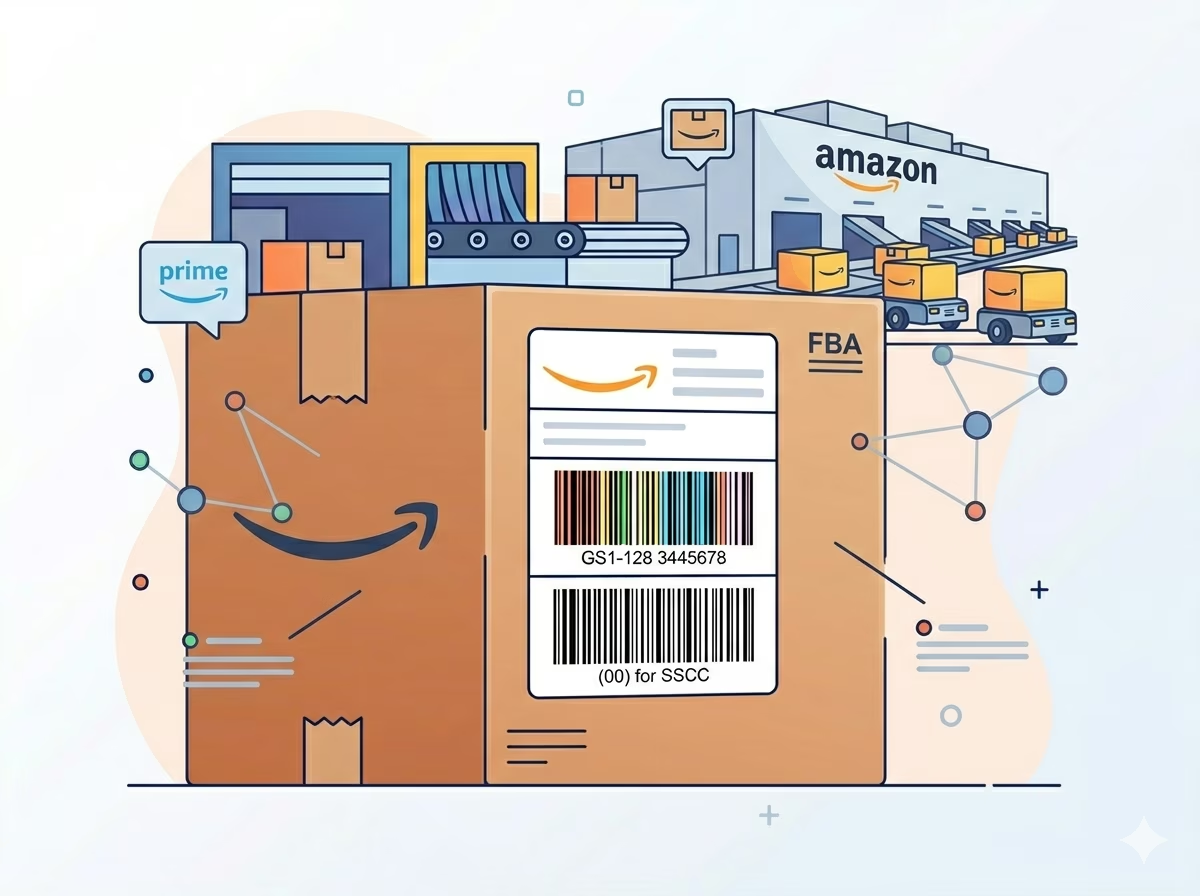
Amazon Vendor Central FBA Shipment Labels
Amazon's Vendor Central and FBA inbound shipment specifications require GS1-128 carton labels encoding SSCC (AI 00) or purchase order numbers. Generate compliant GS1-128 labels for Amazon inbound shipments to avoid receiving rejections and chargebacks at Amazon fulfillment centers.
GS1-128 Barcode — Frequently Asked Questions
Technical answers about GS1-128 Application Identifiers, FNC1 encoding, compliance requirements, and differences from plain Code 128.
What is the difference between GS1-128 and Code 128?
Code 128 is a general-purpose barcode symbology that encodes ASCII data. GS1-128 is a specific application of Code 128 that uses the FNC1 function character immediately after the Start Code to identify the barcode as a GS1 Application Identifier barcode. Scanners and middleware that recognize GS1-128 parse the FNC1 prefix and apply AI syntax decoding. A standard Code 128 scanner that is not configured for GS1-128 will decode the same barcode as a plain alphanumeric string beginning with the ASCII value of FNC1 — or it may not decode the FNC1 character at all.
What are GS1 Application Identifiers (AIs)?
Application Identifiers are two- to four-digit numeric codes defined in the GS1 General Specifications that identify the meaning and format of the data field that follows. For example, AI (01) identifies a 14-digit GTIN; AI (17) identifies a 6-digit expiry date in YYMMDD format; AI (10) identifies a variable-length alphanumeric lot or batch number. The complete list of over 100 defined AIs is published in the GS1 General Specifications document available at gs1.org.
Can I encode multiple Application Identifiers in one GS1-128 barcode?
Yes. Multiple AI+value pairs can be concatenated within a single GS1-128 barcode. Fixed-length fields (such as GTIN-14 under AI 01) do not need a separator — the scanner knows exactly how many characters to read. Variable-length fields (such as lot number under AI 10 or serial number under AI 21) are separated from the next AI by a FNC1 character. This generator handles FNC1 separator insertion automatically based on the AI definitions in the GS1 General Specifications.
What is an SSCC and how is it encoded in GS1-128?
The Serial Shipping Container Code (SSCC) is an 18-digit GS1 identifier assigned to a logistics unit — a pallet, carton, or container — for tracking through the supply chain. It is encoded in GS1-128 using Application Identifier (00) followed by the 18-digit SSCC value: (00)009521234512345675. The SSCC includes a GS1 Company Prefix, a serial reference, and a Mod 10 check digit. SSCC GS1-128 barcodes are the primary identifier on GS1 logistics labels required by major retailers.
Is GS1-128 the same as UCC-128 or EAN-128?
Yes. GS1-128, UCC-128, and EAN-128 all refer to the same barcode standard. The name changed from UCC/EAN-128 to GS1-128 in 2009 when GS1 US and GS1 International unified their naming conventions. Older retailer routing guides and EDI documents may still reference UCC-128 or EAN-128 — if the specification calls for any of these names and requires Application Identifier encoding, GS1-128 is the correct format.
Do I need a GS1 Company Prefix to use GS1-128?
For GTINs (AI 01) and SSCCs (AI 00) used in retail and supply chain, yes — a GS1 Company Prefix licensed from GS1 is required to generate globally unique identifiers. For internal barcode uses (encoding lot numbers, dates, or internal serial numbers for your own system), you can use GS1-128 syntax without a GS1 Company Prefix, as long as the barcodes are not published into the global supply chain or scanned by third-party retailer systems.
Specification reference
Read the full GS1-128 specification — character set, check digit, quiet zone, density, and the governing GS1 General Specifications; symbology basis ISO/IEC 15417 standard — in our barcode glossary.
GS1-128 specificationRelated barcode types
Compare GS1-128 with similar symbologies, or open their full specifications.
- Code 128
A high-density, variable-length linear barcode that encodes all 128 ASCII characters, and the backbone symbology of modern logistics.
- Code 128C
Code 128 locked to code set C — digit pairs packed two per character for maximum numeric density.
- GS1-14 (GTIN-14)
The 14-digit Global Trade Item Number for cases and inner packs, carried by GS1-128 or ITF-14 symbols.
- ITF-14
The GTIN-14 carton-level barcode: ITF with thick bearer bars, printed directly on corrugated shipping cases.
- GS1 DataBar Expanded
The variable-length DataBar carrying GTIN plus extra AI data — weights, dates, lot numbers — on fresh food.
Related barcode tools
Need more than one barcode, a printed label sheet, or a way to check the result? These tools use the same generator, so the output matches.
- Bulk Barcode GeneratorImport Excel or CSV, paste a list, or create a sequence and get a barcode for every row. Export as PNG, SVG, JPG, or a ZIP.
- Barcode Label PrintPrint a full sheet of labels that lines up with Avery label stock, at the correct physical size.
- Barcode ScannerVerify a printed label before you run the whole batch — decode it from an image or your camera.
- Barcode MakerFull control over size, colors, font, quiet zone, and layout for a single barcode.
Generate Your GS1-128 Barcode Now — Free, Instant, No Signup
Create compliant GS1-128 Application Identifier barcodes for retail logistics, pharmaceutical serialization, food traceability, and supply chain labeling right now. Enter your AI data string, configure the size, and download as PNG or SVG — completely free with no account required.