
Free MSI Plessey (Mod 1010) Barcode Generator — Create, Preview & Download Instantly
Generate MSI Plessey Mod 1010 barcodes online for free — no signup, no software, no limits. Enter any numeric string and get a crisp, scannable barcode in PNG or SVG format within seconds. MSI Plessey (Mod 1010) uses a dual-check-digit scheme — Mod 10 followed by another Mod 10 — delivering the highest error-detection confidence available in the MSI Plessey family. Ideal for retail shelf labels, warehouse inventory management, and library cataloging systems. Real-time preview updates as you type. Download, bulk-generate, or copy your barcode instantly.

What Is MSI Plessey (Mod 1010)?
MSI Plessey is a numeric-only linear barcode symbology derived from the original Plessey code, developed by MSI Data Corporation in the 1970s. It encodes digits 0–9 using a pulse-width modulation pattern and is distinguished from other 1D barcodes by its interchangeable check-digit algorithms. The Mod 1010 variant appends two independent Mod 10 (Luhn algorithm) check digits to the encoded data — one after the other — giving it a dual-layer verification mechanism that catches a wider range of transcription errors than a single check digit alone. MSI Plessey (Mod 1010) is widely used in retail environments for shelf and bin labels, inventory control systems, and library management, where numeric-only data and high scan reliability are both priorities.
- Numeric-Only Encoding — Clean and EfficientMSI Plessey (Mod 1010) encodes digits 0 through 9 exclusively. This constraint makes it extremely efficient for numeric-only data such as product codes, inventory numbers, bin identifiers, and library call numbers. Because no character-set switching overhead is needed, MSI Plessey produces consistently sized barcodes for numeric strings of any length — a predictable property that simplifies label layout and shelf-space planning.
- Dual Mod 10 Check Digits — Maximum Numeric VerificationThe defining feature of Mod 1010 is its pair of check digits, each computed independently using the Mod 10 (Luhn) algorithm. The first check digit is appended to the raw data and the second check digit is then computed over the combined string (data + first check digit). This cascaded verification scheme means a scanner must validate two independent check conditions before accepting a read, dramatically reducing the probability of accepting a misread barcode compared to Mod 10 (single check digit) or no check digit at all.
- Retail and Inventory HeritageMSI Plessey was the dominant barcode format for retail shelf management and inventory tracking in North America before GS1 standards became universal. Many legacy point-of-sale systems, warehouse management platforms, and library automation systems still use MSI Plessey natively, and Mod 1010 remains the preferred variant in environments that require the strongest error detection without migrating to a modern symbology.
- Variable Length with Automatic Check Digit CalculationMSI Plessey (Mod 1010) imposes no fixed data length — you can encode short 4-digit bin codes or long 20-digit inventory identifiers in the same format. Both Mod 10 check digits are computed and appended automatically by the encoder; you supply only the raw numeric payload. This means you never need to pre-calculate or manually append check digits — the generator handles everything and appends the correct values before rendering the barcode.
- Compatible with Existing MSI Plessey Scanners and SoftwareMSI Plessey (Mod 1010) is supported by virtually all industrial barcode scanners, mobile scanning apps, and legacy POS software that support the MSI Plessey symbology family. The Mod 1010 check configuration is a well-established parameter in scanner firmware and can be enabled with a single programming scan in most Honeywell, Zebra, and Datalogic scanner models. No special hardware is required.
MSI Plessey (Mod 1010) specifications
MSI with two chained Mod 10 check digits — double validation for high-volume scanning. The table below lists the exact MSI Plessey (Mod 1010) specifications — character set, check digit, X-dimension, quiet zone and the governing No ISO standard; vendor conventions standard — so you can size and print the symbol correctly the first time.
| Character set | Digits 0-9 only |
|---|---|
| Data length | Variable; typically 4-12 data digits + 2 check digits |
| Check digit | Two chained Mod 10 check digits |
| Density | ≈9-13 digits per inch depending on X |
| X-dimension (module width) | 0.25-0.50 mm typical |
| Quiet zone | 10X on each side |
| Magnification | Scales with X-dimension |
| Bar / space ratio | Four binary-weighted bars per digit |
| Standard | No ISO standard; vendor conventions |
| Introduced | 1972 — MSI Data Corporation |
Typical uses: High-throughput conveyor scanning of inventory labels; Legacy retail and rental systems specifying dual validation; Shelf labels scanned by fixed-position readers.
How MSI Plessey (Mod 1010) compares to similar barcode types
Choosing the wrong symbology is the most common cause of barcodes that scan in the warehouse but get rejected downstream. This table compares MSI Plessey (Mod 1010) with the formats most often confused with it, on the three properties that decide compatibility: character set, check digit, and quiet zone.
| Symbology | Character set | Check digit | Quiet zone |
|---|---|---|---|
| MSI Plessey (Mod 1010)(this page) | Digits 0-9 only | Two chained Mod 10 check digits | 10X on each side |
| MSI Plessey (Mod 10) | Digits 0-9 only | One Mod 10 (Luhn-style) check digit appended | 10X on each side |
| MSI Plessey (Mod 1110) | Digits 0-9 only | Mod 11 check digit followed by a Mod 10 check digit over data+Mod11 | 10X on each side |
How to Create an MSI Plessey (Mod 1010) Barcode — Step-by-Step
Creating a scannable, print-ready MSI Plessey Mod 1010 barcode with this free online generator takes under a minute. Follow these four steps:
Enter Your Numeric Data
Type or paste your numeric string into the input field. MSI Plessey (Mod 1010) accepts digits 0–9 only — do not include letters, spaces, or special characters. Enter only the raw payload data; do not append check digits manually. The generator computes and appends both Mod 10 check digits automatically before rendering the barcode.
Adjust Size and Appearance
Use the settings panel to set bar height, module width, quiet zone, and font size. Toggle the human-readable text on or off depending on your label requirements. The live preview reflects every adjustment instantly so you can fine-tune the barcode dimensions to fit your specific shelf label or bin tag format before downloading.
Preview and Validate
Confirm the barcode preview looks correct: check that the numeric value displayed below the bars matches your input, that the bar pattern is clean and evenly spaced, and that quiet zones on both sides are visually clear. For critical label applications, scan the on-screen barcode preview with a mobile scanner app — ensure your scanning app is configured to accept MSI Plessey with Mod 1010 check digits — before committing to a full print run.
Download or Bulk Export
Click the PNG download button for a raster image ready for Word documents, label software, or email. Click SVG for a resolution-independent vector file ready for Illustrator, Inkscape, or direct embedding in web pages and design templates. For bulk jobs, switch to the multi-line input panel, paste your list of numeric values, and download a ZIP archive containing all barcodes at once.
Who Should Use This MSI Plessey (Mod 1010) Barcode Generator?
This free online MSI Plessey Mod 1010 generator is built for anyone who needs reliable, production-quality numeric barcodes with the highest available check-digit verification — without specialized software. Here is who benefits most.
Retail Store Managers and Merchandisers
Generate shelf edge labels, price tags, and product location codes for retail floor layouts. MSI Plessey Mod 1010's dual check digit ensures barcode reads are verified twice before a shelf code is accepted, reducing checkout errors and inventory discrepancies caused by misread numeric labels.
Warehouse and Inventory Managers
Create bin location barcodes, storage area tags, and inventory stickers for warehouse management systems that support the MSI Plessey symbology. Bulk-import bin numbers from your WMS export and generate a complete set of location labels in one operation without dedicated label software.
Library and Archive Administrators
Produce item barcodes for books, media, and catalog records in library automation systems that use MSI Plessey natively. Bulk-generate item labels from catalog record exports, configure the exact bar height and quiet zone required by your scanner hardware, and download print-ready SVG files compatible with any label printer.
IT and Facilities Asset Managers
Tag equipment, furniture, and infrastructure assets with unique numeric MSI Plessey Mod 1010 barcodes for fixed asset management. Generate asset labels in bulk from an asset register export, download as PNG or SVG, and print onto durable polyester label stock suitable for IT equipment and facilities environments.
MSI Plessey (Mod 1010) Barcode Generator Features
Everything you need to create production-quality MSI Plessey Mod 1010 barcodes — from real-time preview and automatic dual check digit calculation to bulk generation, size controls, and lossless SVG output.
Automatic Dual Mod 10 Check Digit Calculation
Enter your numeric data and both Mod 10 check digits are computed and appended automatically before the barcode is rendered. You never need to calculate or pre-append check digits manually. The generator applies the standard cascaded Luhn algorithm — first check digit over the raw data, second check digit over data plus first check digit — exactly as required by MSI Plessey Mod 1010 specification.
Real-Time Preview as You Type
The barcode preview updates live with every keystroke. See the exact barcode that will be generated — including bar pattern, human-readable text, and proportions — before downloading. Non-numeric input is flagged immediately so you can correct it before the barcode reaches a printer or labeling system.
PNG and SVG Download
Download your MSI Plessey Mod 1010 barcode as a high-resolution PNG for use in documents, label sheets, and email attachments, or as a lossless SVG for print-ready workflows, label templates, and vector design applications. SVG barcodes scale to any physical size without pixelation, making them ideal for both large-format shelf labels and small bin tags.
Adjustable Width, Height, and Quiet Zone
Control every visual parameter of your MSI Plessey Mod 1010 barcode: bar height, module width (X-dimension), font size for the human-readable text, and quiet zone width on each side. Quiet zones — the mandatory blank spaces flanking the barcode — are included automatically at the correct minimum width to ensure reliable scanner reads on any hardware.
Human-Readable Text — Show or Hide
Toggle the human-readable interpretation (HRI) text below the barcode on or off. When shown, the encoded numeric value (including check digits) is printed beneath the bars in a clear, readable font — useful for visual verification and manual data entry fallback. Hide the HRI for space-constrained shelf tags or when your inventory system displays the value independently.
Bulk Barcode Generation
Generate hundreds of unique MSI Plessey Mod 1010 barcodes in a single operation using the bulk input panel. Enter one numeric value per line and download all barcodes as a ZIP archive of PNG or SVG files. Ideal for producing complete shelf label sets, bin location tags, or inventory restocking stickers from a spreadsheet export without manual one-by-one generation.
No Signup, No Watermarks, No Limits
This MSI Plessey Mod 1010 generator is completely free with no usage caps, no account required, and no watermarks on downloaded files. All barcode encoding happens in your browser — your input data is never transmitted to any server. Generate one barcode or ten thousand; the tool imposes no limits and retains no data.
MSI Plessey (Mod 1010) Use Cases & Real-World Examples
MSI Plessey Mod 1010 is the preferred choice wherever numeric-only barcodes must be read with the highest accuracy. Here are the most common real-world applications.
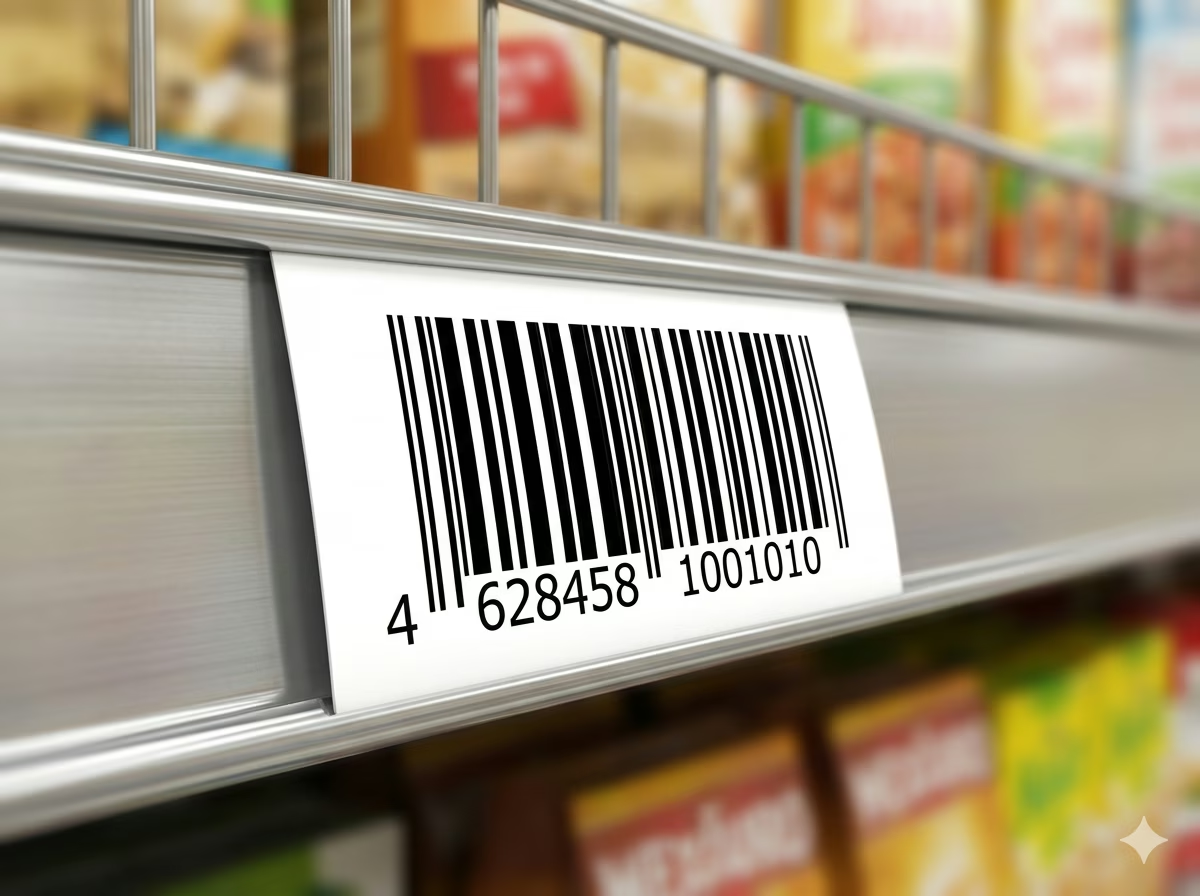
Retail Shelf and Price Labels
MSI Plessey was purpose-built for retail shelf management. Use Mod 1010 to generate shelf edge labels, price tags, and product location codes for store shelving systems. The dual check digit provides an additional layer of protection against misread shelf codes that could result in incorrect pricing or inventory mismatches at the point of sale.
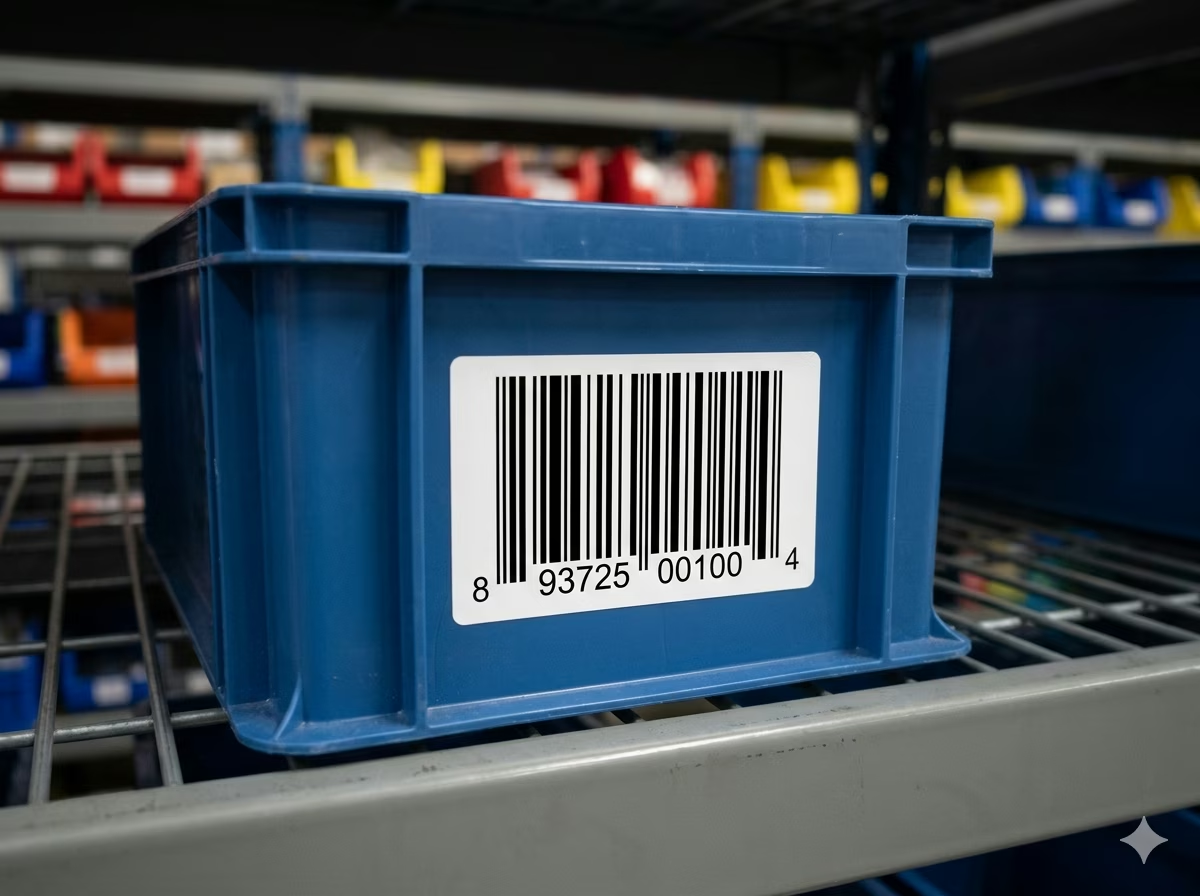
Warehouse Bin and Location Labels
Assign unique numeric codes to warehouse bin locations, pick slots, and storage areas and label them with MSI Plessey Mod 1010 barcodes. Scanners can read bin codes quickly during pick-and-pack operations, with dual check digit verification ensuring the correct bin is always identified — even in low-light or high-speed scanning conditions common in warehouse environments.
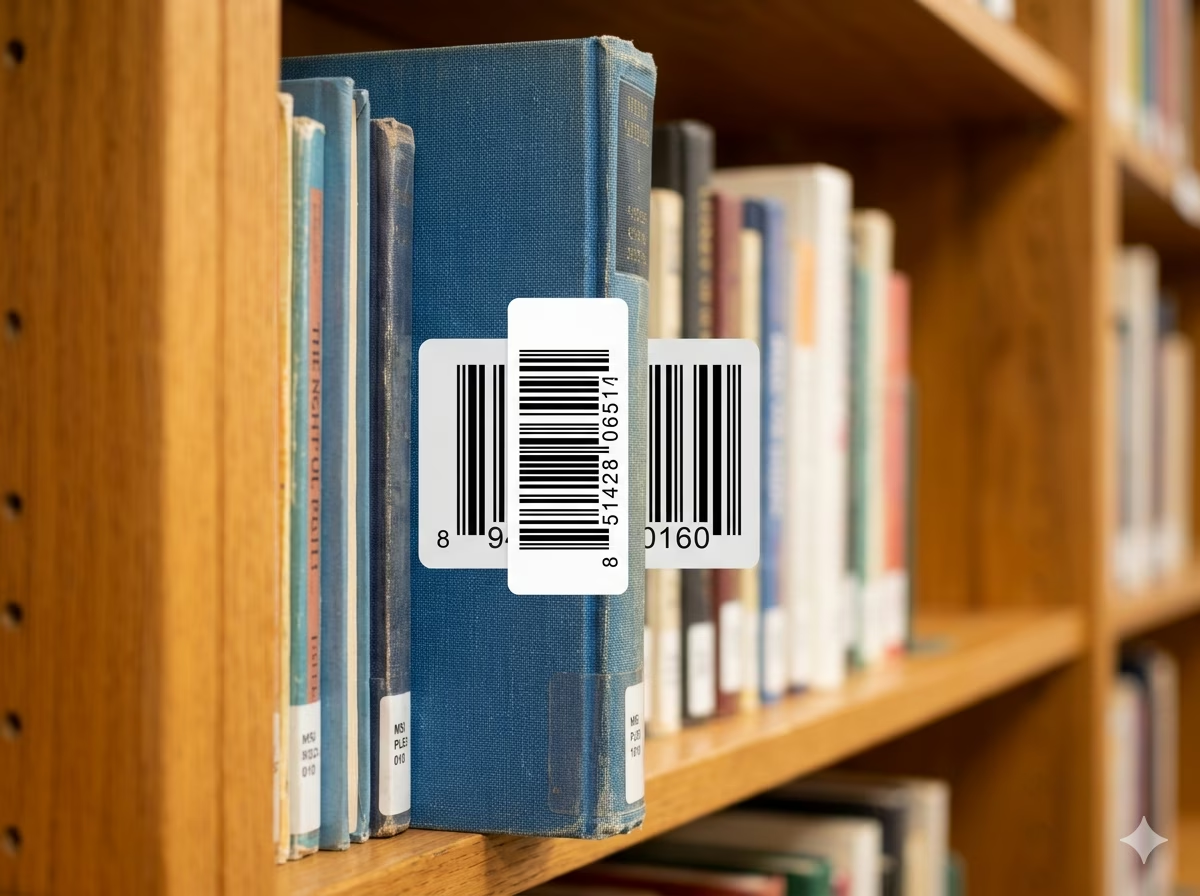
Library Book and Item Cataloging
Library automation systems have used MSI Plessey barcodes for decades to track books, DVDs, and other catalog items. Mod 1010's dual check digit minimizes the risk of a misread item number triggering an incorrect checkout or return transaction. Generate item barcodes from your catalog numbering system and print them onto adhesive spine labels compatible with standard library barcode scanners.
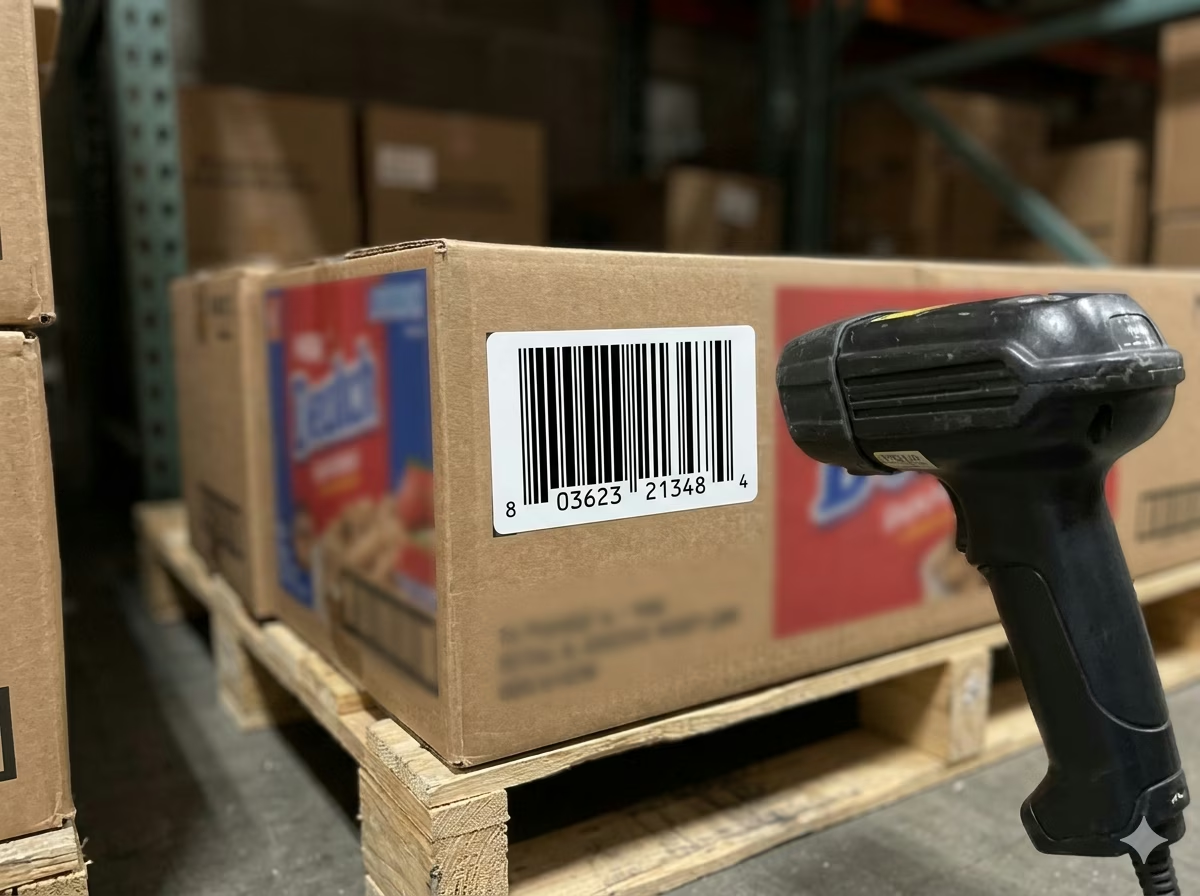
Inventory Tracking in Legacy POS Systems
Many retail POS and inventory platforms installed before the GS1 era natively support MSI Plessey and rely on it for internal product numbering. Use the Mod 1010 generator to produce replacement labels for damaged or missing barcodes, extend your existing labeling system with new SKUs, or migrate numeric data from one location to another without changing the underlying inventory software.
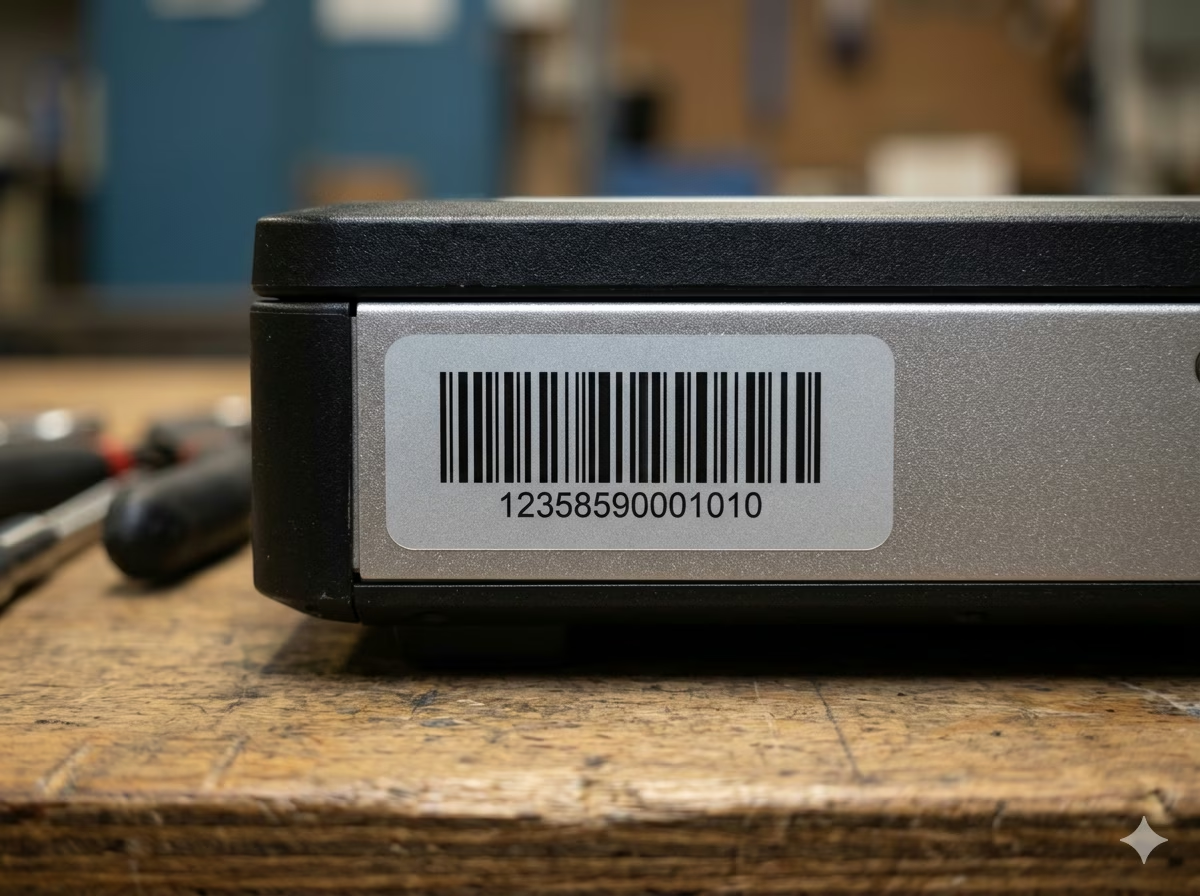
Asset Tagging and Fixed Asset Management
Tag physical assets — IT equipment, furniture, tools, and machinery — with numeric MSI Plessey Mod 1010 barcodes for fixed asset tracking. The format's variable length accommodates both short sequential asset numbers and longer asset register codes from enterprise systems. Generate and download a complete set of asset tags in one bulk operation and print them onto durable polyester or vinyl label stock.
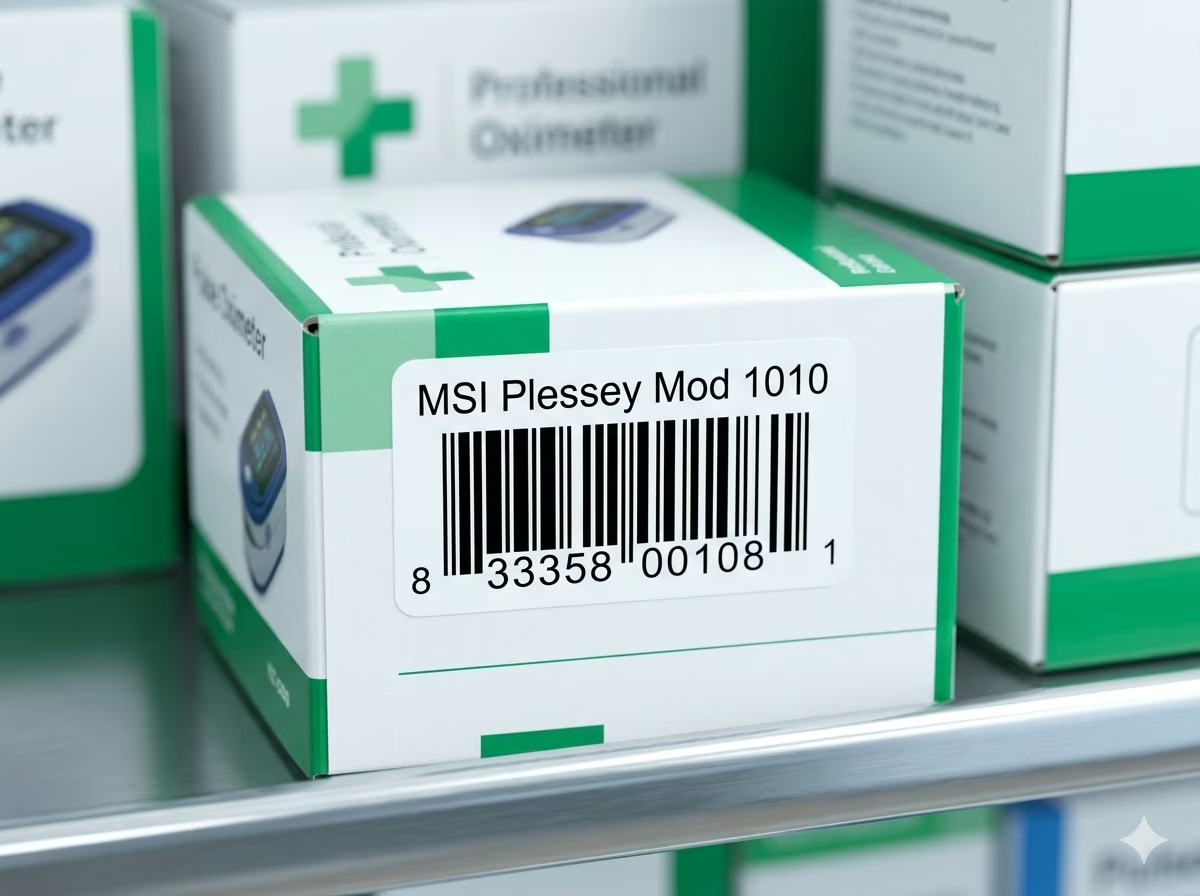
Healthcare Inventory and Supply Tracking
Hospitals and clinics use numeric barcodes to track medical supplies, consumable inventory, and equipment in storage rooms and clinical areas. MSI Plessey Mod 1010 is compatible with many legacy healthcare inventory systems and provides the dual check digit assurance needed in environments where a misread barcode could result in dispensing incorrect quantities or recording supply usage against the wrong item.
MSI Plessey (Mod 1010) Barcode — Frequently Asked Questions
Technical answers to the most common questions about MSI Plessey Mod 1010 encoding rules, check digit calculation, character support, and practical usage.
What is MSI Plessey (Mod 1010)?
MSI Plessey (Mod 1010) is a numeric-only linear barcode symbology that appends two consecutive Mod 10 (Luhn algorithm) check digits to the encoded data payload. The first check digit is computed over the raw numeric input; the second is then computed over the data plus the first check digit. This cascaded dual-verification scheme gives Mod 1010 the highest check-digit error-detection confidence in the MSI Plessey family, making it the preferred variant in retail, warehouse, and library environments where scan accuracy is critical.
What characters can MSI Plessey (Mod 1010) encode?
MSI Plessey (Mod 1010) encodes numeric digits 0 through 9 only. It does not support letters, spaces, or special characters. If your data contains non-numeric characters, you will need to use a different barcode format such as Code 128 or Code 39 that supports alphanumeric encoding. For purely numeric inventory codes, bin numbers, and product identifiers, MSI Plessey provides a highly compact and efficient encoding.
How does the Mod 1010 check digit work?
Mod 1010 applies the Mod 10 (Luhn) algorithm twice in sequence. First, the algorithm processes the raw numeric data: starting from the rightmost digit, alternating digits are doubled and summed, with the total used to compute a first check digit. This check digit is then appended to the data. Second, the Mod 10 algorithm is applied again — this time over the combined string of original data plus the first check digit — to produce a second check digit, which is also appended. The resulting barcode encodes original data + check digit 1 + check digit 2. Scanners strip and verify both check digits independently before accepting the read.
Do I need to calculate and include the check digits myself?
No. Enter only your raw numeric data — no check digits. This generator computes and appends both Mod 10 check digits automatically before rendering the barcode. If you manually append check digits to your input, the generator will treat them as part of the data and produce incorrect barcodes with check digits computed on top of the ones you already added. Always supply the payload data only.
What is the difference between MSI Plessey Mod 10, Mod 11, Mod 1010, and Mod 1110?
The four MSI Plessey variants differ only in their check-digit schemes. Mod 10 appends a single Mod 10 (Luhn) check digit. Mod 11 appends a single check digit computed using the Mod 11 algorithm, which is slightly more sensitive to transposition errors. Mod 1010 appends two independent Mod 10 check digits — the strongest purely-Luhn verification available. Mod 1110 appends a Mod 11 check digit followed by a Mod 10 check digit for a mixed dual-verification approach. Mod 1010 is the most common dual-check choice when maximum Luhn-based error detection is needed without the added complexity of the Mod 11 algorithm.
Is there a minimum or maximum data length for MSI Plessey (Mod 1010)?
The MSI Plessey standard does not define a minimum or maximum payload length. In practice, most implementations encode between 1 and 20 digits. Very long strings produce physically wide barcodes that may not fit on small labels — adjust bar height, module width, and label dimensions accordingly. There is no software-imposed length limit in this generator.
How do I configure my barcode scanner to read MSI Plessey Mod 1010?
Most industrial barcode scanners from Zebra, Honeywell, Datalogic, and similar manufacturers support MSI Plessey as a configurable symbology. You typically need to enable MSI Plessey in the scanner's symbology settings and then set the check digit mode to 'Two Mod 10 check digits' or 'Mod 1010'. This is usually done by scanning a programming barcode from the scanner's reference manual or using the manufacturer's scanner configuration utility. Consult your specific scanner model's documentation for the exact programming steps.
Is my data safe when using this generator?
Yes. All MSI Plessey Mod 1010 encoding is performed entirely in your browser using client-side JavaScript. Your input data — including inventory codes, bin numbers, or catalog identifiers — is never transmitted to any server and never stored anywhere. Close the browser tab and all data is gone. This tool is safe to use with sensitive internal numbering systems.
Specification reference
Read the full MSI Plessey (Mod 1010) specification — character set, check digit, quiet zone, density, and the governing No ISO standard; vendor conventions standard — in our barcode glossary.
MSI Plessey (Mod 1010) specificationRelated barcode types
Compare MSI Plessey (Mod 1010) with similar symbologies, or open their full specifications.
- MSI Plessey (Mod 10)
A digits-only inventory barcode with a single Mod 10 check digit, descended from the Plessey code.
- MSI Plessey (Mod 1110)
MSI with a Mod 11 digit followed by a Mod 10 digit — the dual-check variant common in warehouse systems.
Related barcode tools
Need more than one barcode, a printed label sheet, or a way to check the result? These tools use the same generator, so the output matches.
- Bulk Barcode GeneratorImport Excel or CSV, paste a list, or create a sequence and get a barcode for every row. Export as PNG, SVG, JPG, or a ZIP.
- Barcode Label PrintPrint a full sheet of labels that lines up with Avery label stock, at the correct physical size.
- Barcode ScannerVerify a printed label before you run the whole batch — decode it from an image or your camera.
- Barcode MakerFull control over size, colors, font, quiet zone, and layout for a single barcode.
Generate Your MSI Plessey (Mod 1010) Barcode Now — Free, Instant, No Account Required
This free MSI Plessey Mod 1010 barcode generator is ready to use immediately. Type your numeric data, adjust the size and appearance, and download a print-ready PNG or SVG barcode in seconds — with both Mod 10 check digits computed and appended automatically. No signup, no watermarks, no usage limits. All encoding happens locally in your browser — your data stays private. Generate one shelf label or an entire warehouse's worth of bin tags; the tool is completely free regardless of volume.